🌙
True Tab Hibernation
Inactive background tabs detach entirely from memory across all workspaces. Live scroll positions and navigation history restore smoothly upon selection.
Engineered for fanless Linux and focused workflows. True tab hibernation, side-by-side dual split view, isolated multi-account containers, and zero mouse dependency.

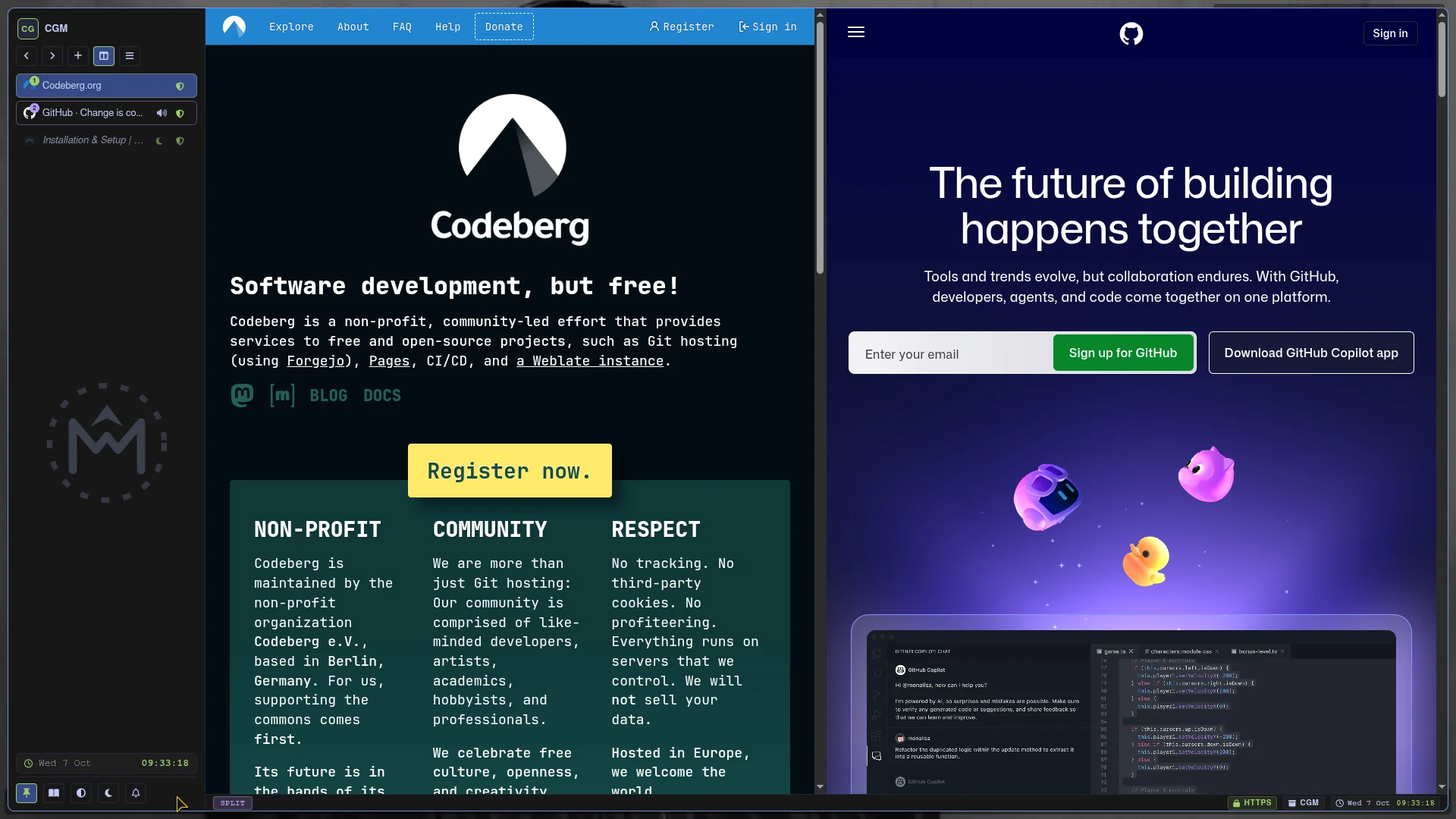
Most modern web browsers consume gigabytes of memory, leak telemetry continuously, and expect a pointing device for every interaction. Mise takes a fundamentally different path: it treats web navigation as a keyboard-centric, distraction-free environment designed to respect both your hardware and your privacy.
ARCHITECTURAL PILLARS
~/.config/mise-browser/.Keep your hands on the home row. Every major workflow is reachable via concise, mnemonic keybindings:
| Shortcut | Command | Action |
|---|---|---|
f | Link Hints | Highlight all clickable page links with two-letter tags |
Alt + S | Dual Split | Toggle side-by-side split screen view |
Alt + \ | Swap Panes | Swap active page and split page positions |
Ctrl + 1 to 9 | Workspace Jump | Switch between isolated multi-account containers |
Ctrl + L / o | Omnibar | Open floating address bar with search engine aliases |
Ctrl + Shift + H | History Overlay | Search, reopen, or purge visited history records |
Alt + N | Scratchpad | Open Markdown quick-notes scratchpad |
Ctrl + Shift + P | Private Window | Open zero-trace volatile browsing container |
F1 / Ctrl + H | Preferences | Adjust hardware flags, sleep timeouts, and site shields |
Download the self-contained Linux AppImage from GitHub Releases and run directly on any distribution:
# Make executable and launch
chmod +x Mise-*-x86_64.AppImage
./Mise-*-x86_64.AppImage
You can also compile directly from source:
# Clone and run from source
git clone https://github.com/Rakosn1cek/Mise-browser.git
cd Mise-browser
npm install
npm startMise combines the battle-tested rendering speed of Chromium and Electron with custom modular subsystems written in vanilla JavaScript:
libsecret, macOS Keychain, and Windows DPAPI hardware-backed encryption for persistent cookies..user.js and .user.css user customisations.