
Overview & Philosophy
Mise Browser is a personal, keyboard-centric web browser designed specifically for low-power and fanless Linux systems.
Typical desktop browsers consume gigabytes of memory across dozens of background processes, producing heat and throttling on fanless hardware. Mise provides an ultra-lean browsing environment by stripping away unnecessary browser overhead while delivering modern privacy isolation, multi-account containers, and complete mouse-free operation.
Design Principles
- Keyboard First: Every single feature, tab switch, link click, and setting can be reached without touching a mouse.
- Resource Respect: Idle tabs hibernate and detach completely from memory, keeping fanless systems cool and responsive.
- Strict Privacy Isolation: Workspaces operate in isolated container partitions. Work and personal profiles never leak cookies or storage.
- Air-Gapped Security: Untrusted scripts and shell commands are never blindly executed; they pass through clipboard verification.
- Distro & Shell Agnostic: Fully integrated with Arch Linux and native terminal emulators while functioning seamlessly across all environments.
Architecture at a Glance
Mise combines the rendering capabilities of Chromium with Electron and native system utilities:
- Main Process (
main.js): Manages window lifecycles, memory pressure monitoring, partition isolation, native configurations, and keybinding translation. - Renderer Process (
renderer.js): Powers the vertical tab sidebar, overlays, link hints, notes, and user interface. - Webview Partitions (
modules/webview.js): Renders individual web pages inside sandboxed<webview>tags assigned to specific workspace container partitions. - Local Configuration (
~/.config/mise-browser/): Human-readable JSON files and Markdown notes stored safely in your home directory.
First Steps
Once launched, Mise presents a clean, distraction-free window:
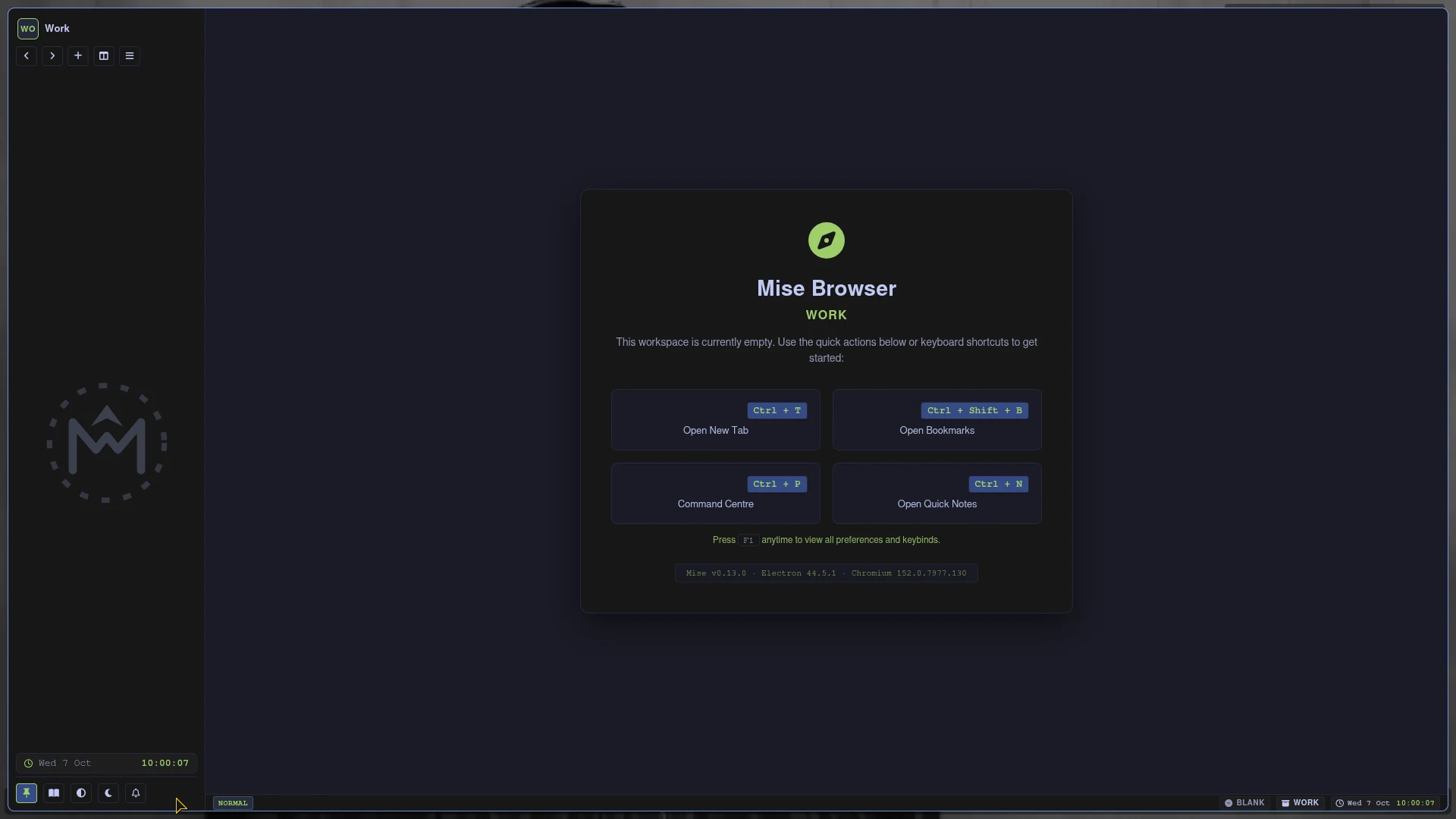
- Press Ctrl + L to open the floating address bar and navigate to any site.
- Press Ctrl + T to open a new tab.
- Press Ctrl + F to activate the Link Hints overlay and navigate links using your keyboard.
- Press Ctrl + P to bring up the Command Palette for quick access to all browser functions.
- Press F1 or Ctrl + H to view Preferences and customise settings.